




BC Poker Login: Access Your Account in Canada and Start Playing
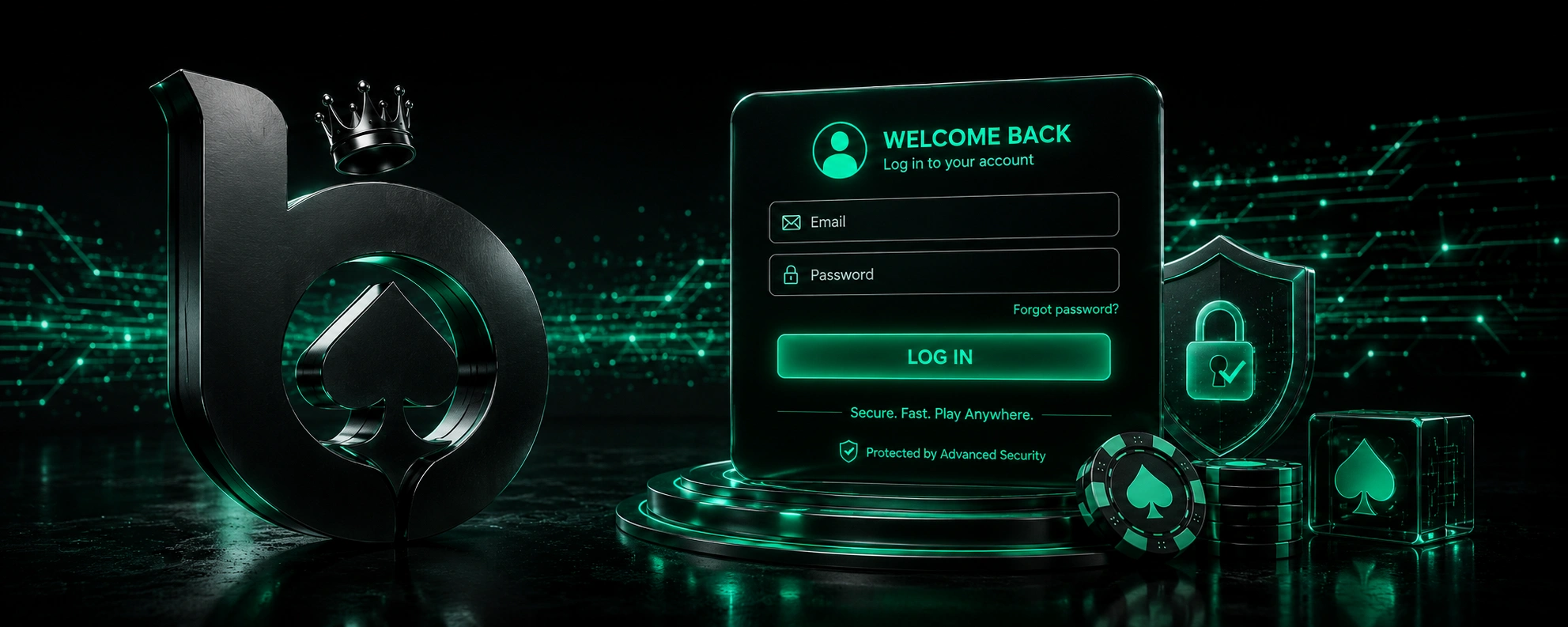
Getting back to the tables shouldn’t take more than a few seconds, and that’s exactly what the BC Poker login screen is built for. Once an account exists, returning players only need an email address and a password to reach their tables, tournament lobby, and account settings, no matter which province they’re logging in from or what device happens to be closest at hand. For a platform used across a country as large as Canada, keeping that entry point simple matters, since players might be signing in from a laptop in an Ottawa apartment one evening and a phone on a ferry to Vancouver Island the next. Ready to get back to the action? Log in now and pick up right where your last session left off on BC Poker.
How to Complete BC Poker Sign Up Before Your First Login
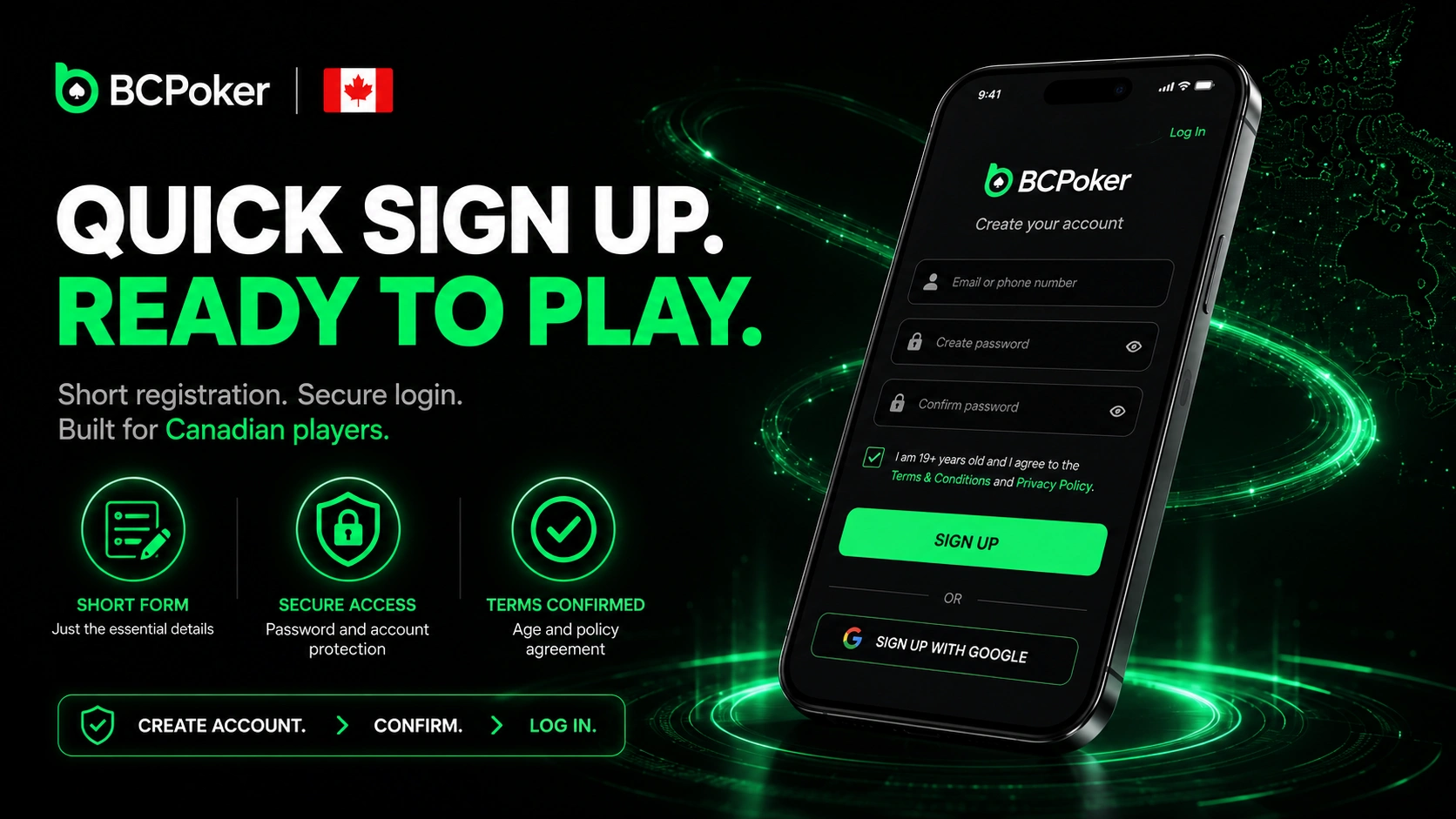
Before that login screen becomes useful, a player needs to work through BC Poker sign up, and the process is deliberately short. A registration form asks for a handful of basic details, a password is chosen, and the player confirms agreement with the platform’s terms of use, which cover everything from age eligibility to responsible-gaming policies relevant to a Canadian audience. There’s no lengthy onboarding beyond that first form – once it’s submitted and confirmed, the same credentials become the ones used every time someone returns to log in.
Information Needed to Create an Account
Most of what’s required at sign up is information a player would already have on hand:
- A working email address – used as the primary login credential going forward.
- A contact method for identity verification – needed later on if the account requires it.
- A secure password – strong enough to keep the account protected from the start.
None of it is unusual or specific to any one form layout, since the goal is simply to confirm that a real person, meeting the applicable age requirements, is behind the account before any funds or games are involved.
Logging In from a Desktop Browser in Canada
Completing a BC Poker login from a desktop browser is about as straightforward as it gets. A player opens the platform’s website, navigates to the sign-in page, and enters their registered email and password. After that information is confirmed, the account opens directly into the lobby, with no extra steps standing between a browser and the tables. This works the same way whether the browser is Chrome, Firefox, Edge, or Safari, and whether the connection is a home network in Calgary or a public one at a library or café elsewhere in the country.
Logging In from a Mobile Device
BC Poker login from a mobile device follows the exact same logic, whether a player opens a browser on their phone or uses a dedicated app. The same email and password combination works across both, and every feature available on desktop, from live tables to withdrawal requests, carries over without being trimmed down for a smaller screen. Given how often Canadians check accounts like this on the go, whether during a commute or a break between errands, keeping mobile and desktop functionally identical was treated as a baseline requirement rather than a nice-to-have.
What You Can Do Once You’re Logged In
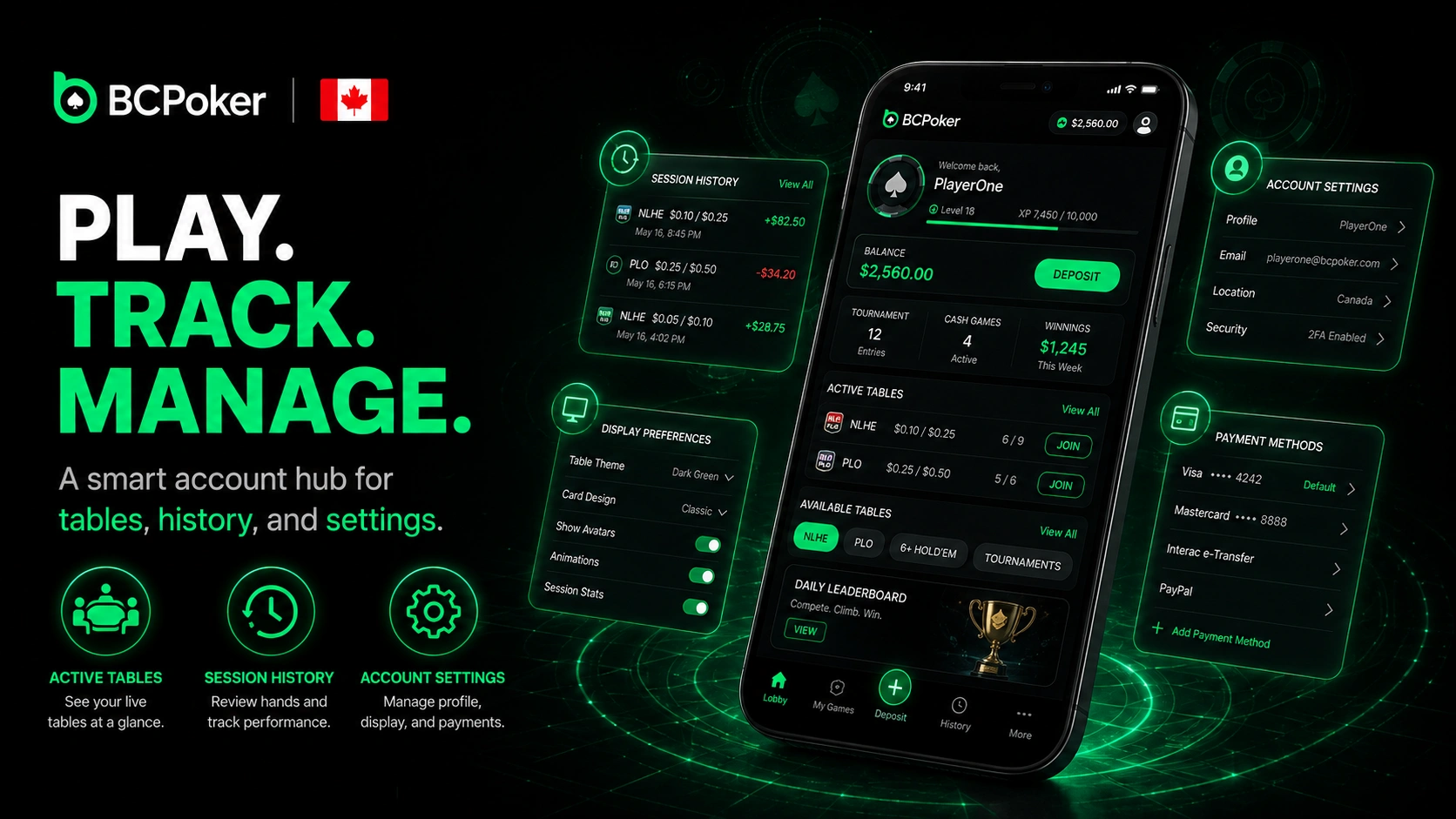
Once inside an account, a player lands somewhere between a lobby and a control panel. Active and available tables are the obvious first stop, but there’s also a full history of past sessions to review, along with account and profile settings that cover everything from display preferences to payment details. Anyone who went through BC Poker sign up expecting a bare-bones dashboard will usually find more structure here than they anticipated, since the account view is meant to double as both a place to play and a place to manage the account itself.
Forgot Your Password: Recovering Access
Losing track of a password happens to almost everyone eventually, and the recovery process is built to handle it without much hassle. If a BC Poker login password is forgotten, clicking the recovery link on the login page prompts a request for the registered email address, and instructions for resetting the password are sent from there. The whole process typically takes only a couple of minutes from start to finish, and no other personal information needs to be shared just to regain entry.
Contacting Support If Recovery Doesn’t Work
Occasionally the standard recovery steps aren’t enough, particularly if a player no longer has access to the email account tied to their registration. In those cases, reaching out to customer support directly, whether through live chat or email, is the next step, and support staff can work through identity verification manually to restore access to the account. This route tends to take a bit longer than an automated reset, but it exists specifically for the more complicated cases that a simple email link can’t resolve.


